Biofeedback
Combine body signals with clinic-management software, training screens and interactive exercises. Explore breathing practice, relaxation and feedback you can see as you train.
Explore
BODY SIGNALS. HUMAN POSSIBILITIES.
Biofeedback, Lie Detector & Polygraph systems, intelligent software and immersive training. Discover a connected ecosystem that brings physiological signals into your clinic, home practice or next creative idea.
Ask us before you buy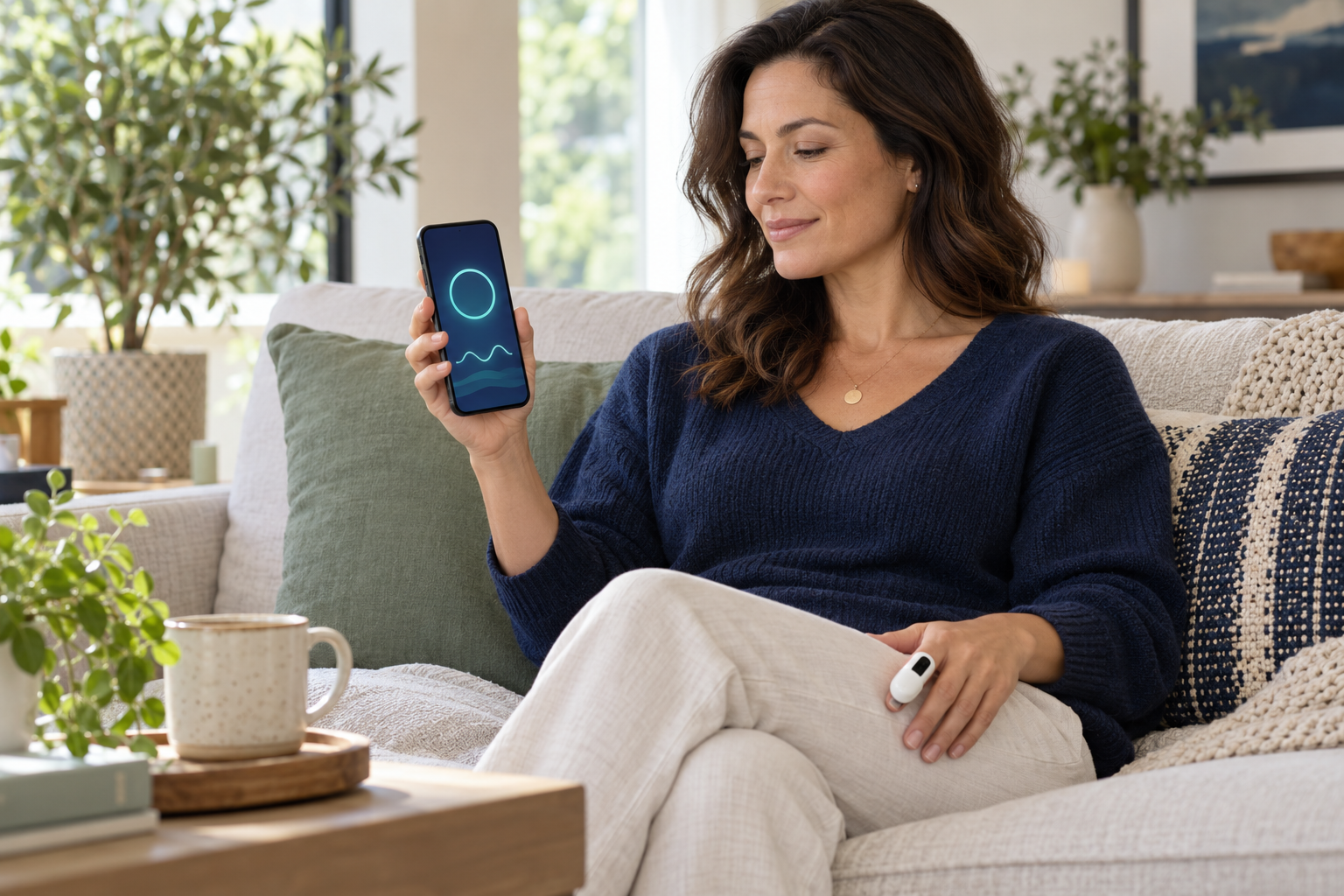
Find the software and sensor package for the work you want to do. Biofeedback and polygraph packages have different purposes and matching software.
Combine body signals with clinic-management software, training screens and interactive exercises. Explore breathing practice, relaxation and feedback you can see as you train.
Explore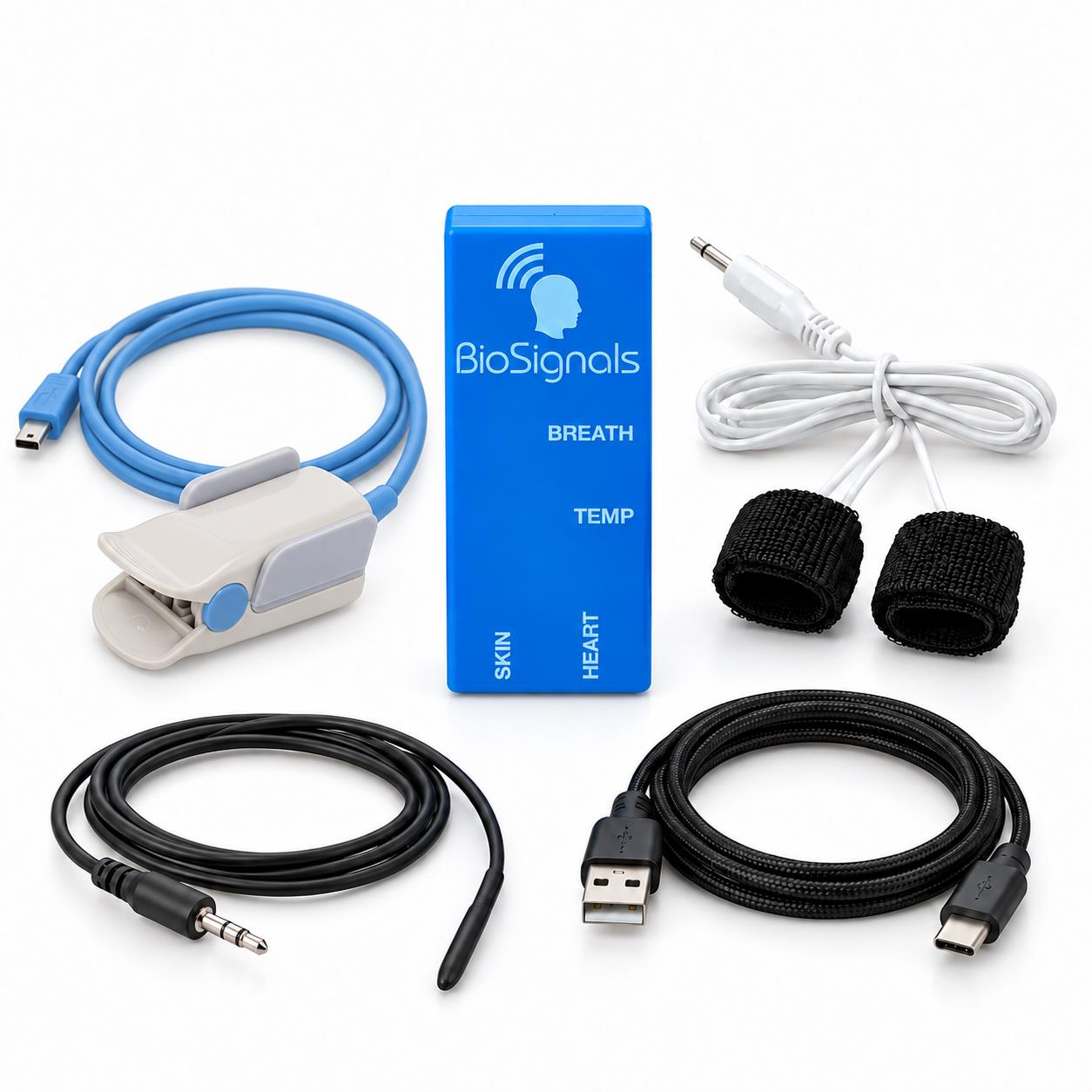
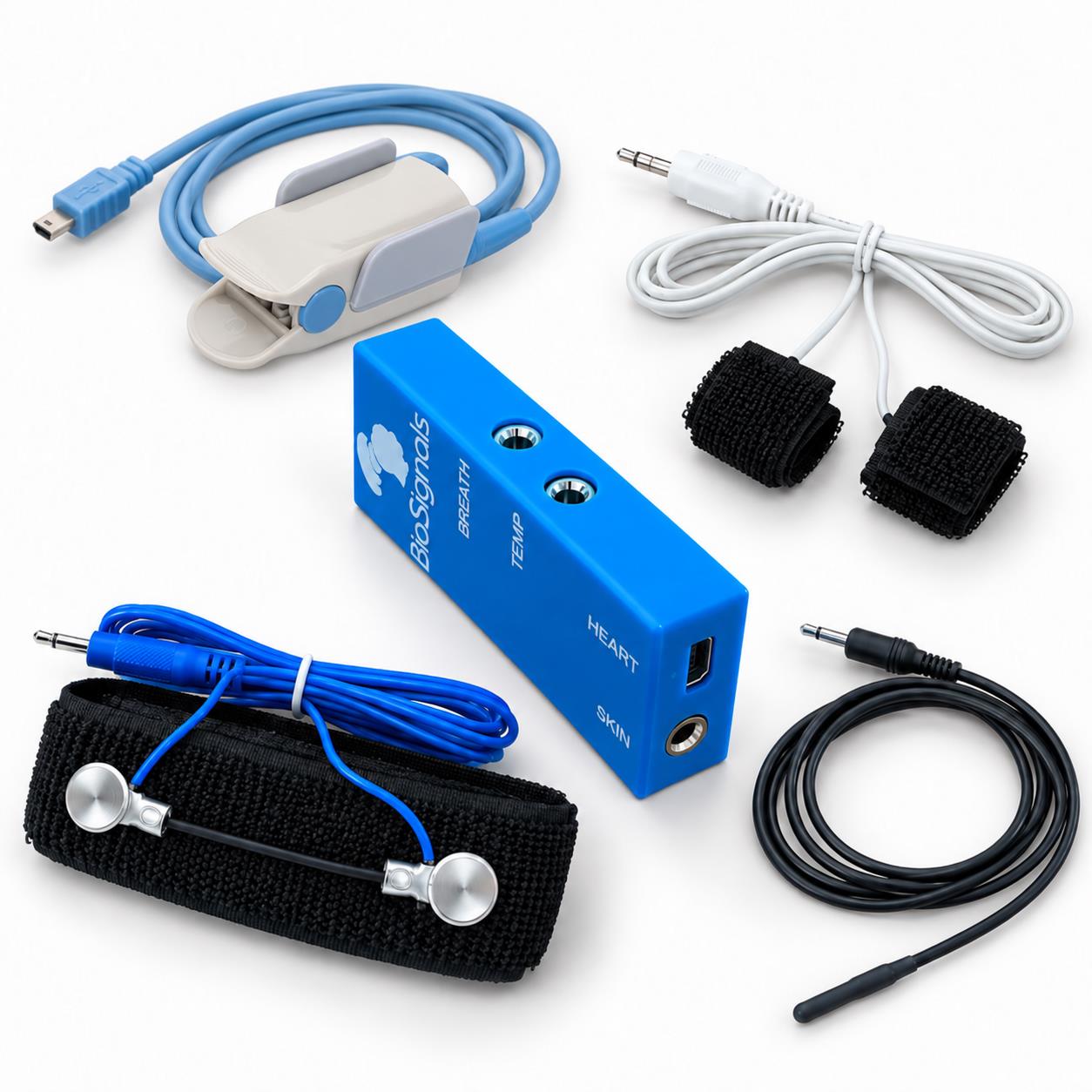
Bring structured preparation, sensor recording and session review into one workflow. Choose the BLUE sensor combination or NANO system suited to your setup.
Explore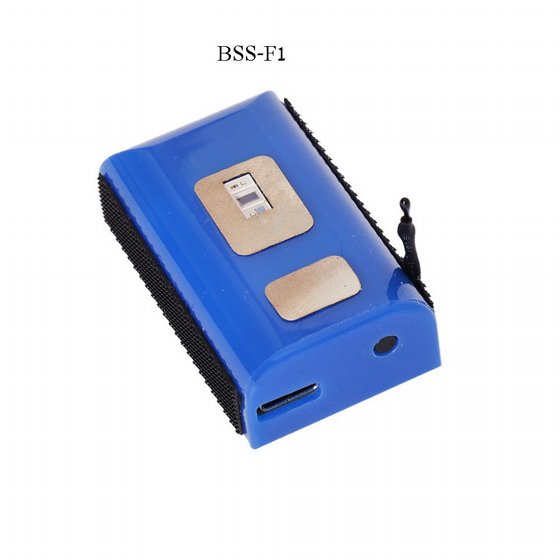
A rechargeable multi-sensor finger device combining pulse, skin conductance, peripheral temperature and movement information.
Technical details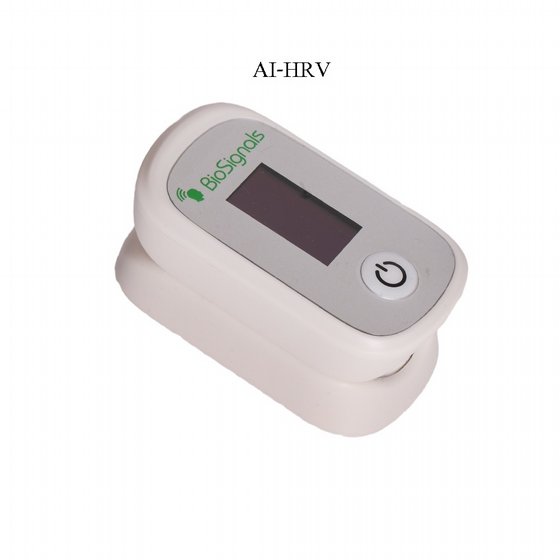
A compact wireless optical finger sensor for pulse-based feedback and compatible HRV breathing practice.
Technical detailsA flexible family of biofeedback and polygraph packages. Select the included sensors and matching software for your purpose.
Technical detailsThe strength is in the complete system: signals, software, training experiences and tools that help you work with the information.

Use supported software and AI tools to organize information, explore patterns and support review. Features depend on the application and version; they support human judgment rather than guarantee an interpretation.
Conceptual illustration — not a product screenshot
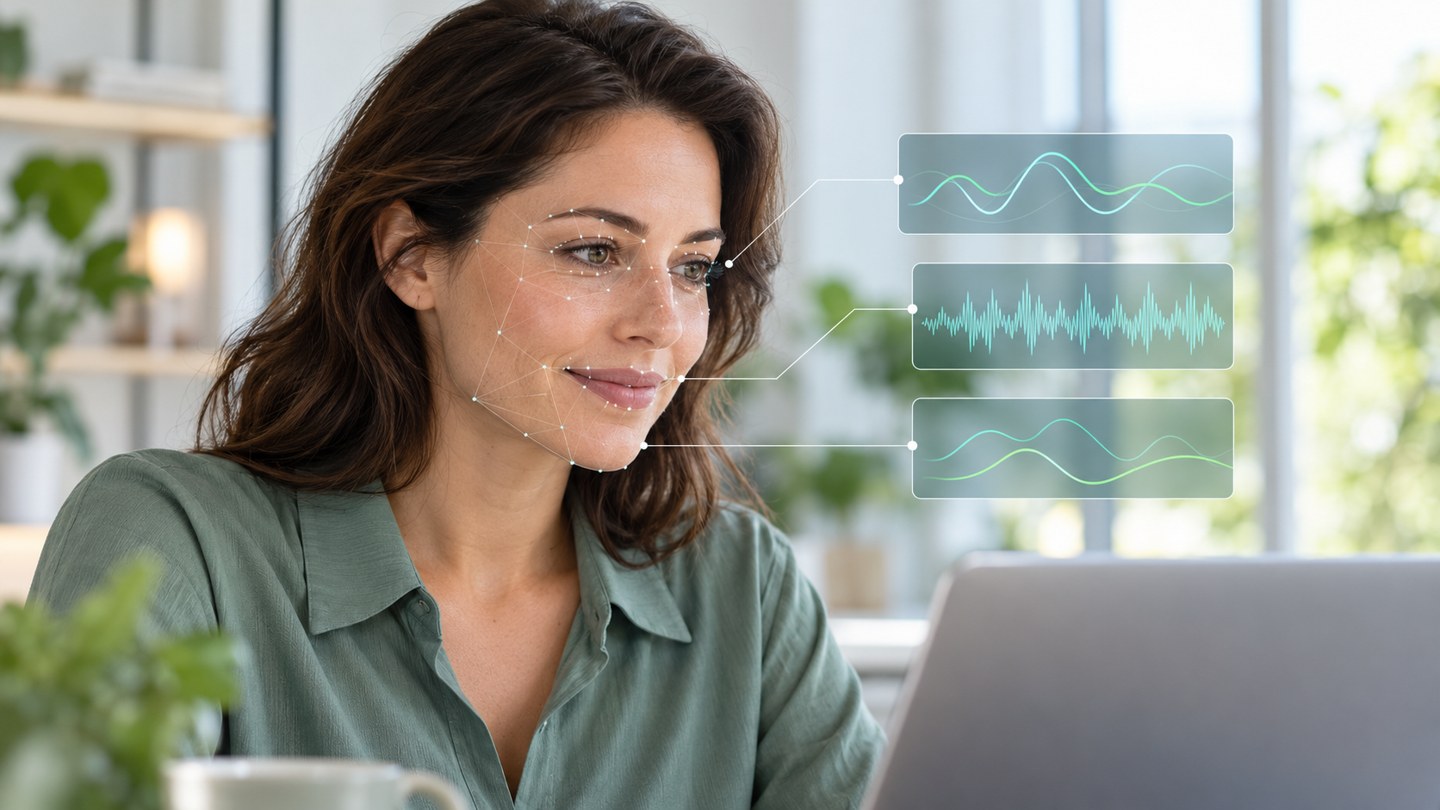
Observe visible eye, mouth and head movements alongside sensor signals in supported software. Camera use requires consent. Facial movement is context, not certain emotion detection or a measurement of facial muscle electricity.
Conceptual illustration — not a product screenshot
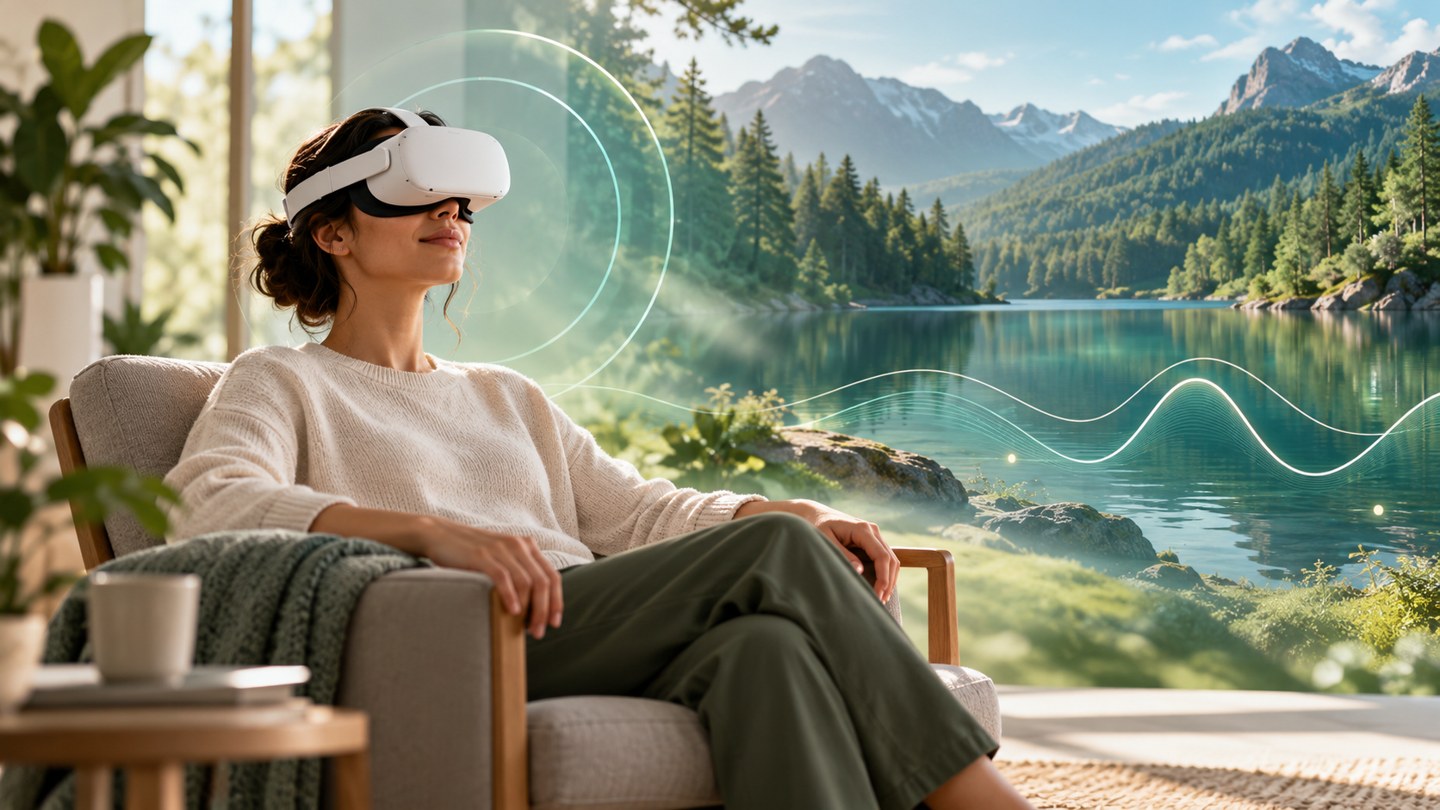
Bring physiological feedback into compatible Meta Quest environments and interactive training. The experience can become visual, playful and immersive, with the supported app and sensor connection.
Conceptual illustration — not a product screenshot
Connect professional guidance with practice at home. Choose the application, hardware and service arrangement that match your program.
Organize sessions and training workflows with biofeedback clinic-management software. Choose from varied training screens instead of a single fixed exercise.
Supported cloud workflows let authorized professionals review session information and follow practice over time. Cloud access, subscriptions and data sharing are separate from a hardware purchase where applicable.
Explore guided breathing, relaxation and structured training resources. Protocol selection and adaptation belong to the responsible professional; no treatment outcome is promised.
Supported central data tools connect session records, review and follow-up across time. Access is limited to authorized users and depends on the selected service and configuration.
Technical details
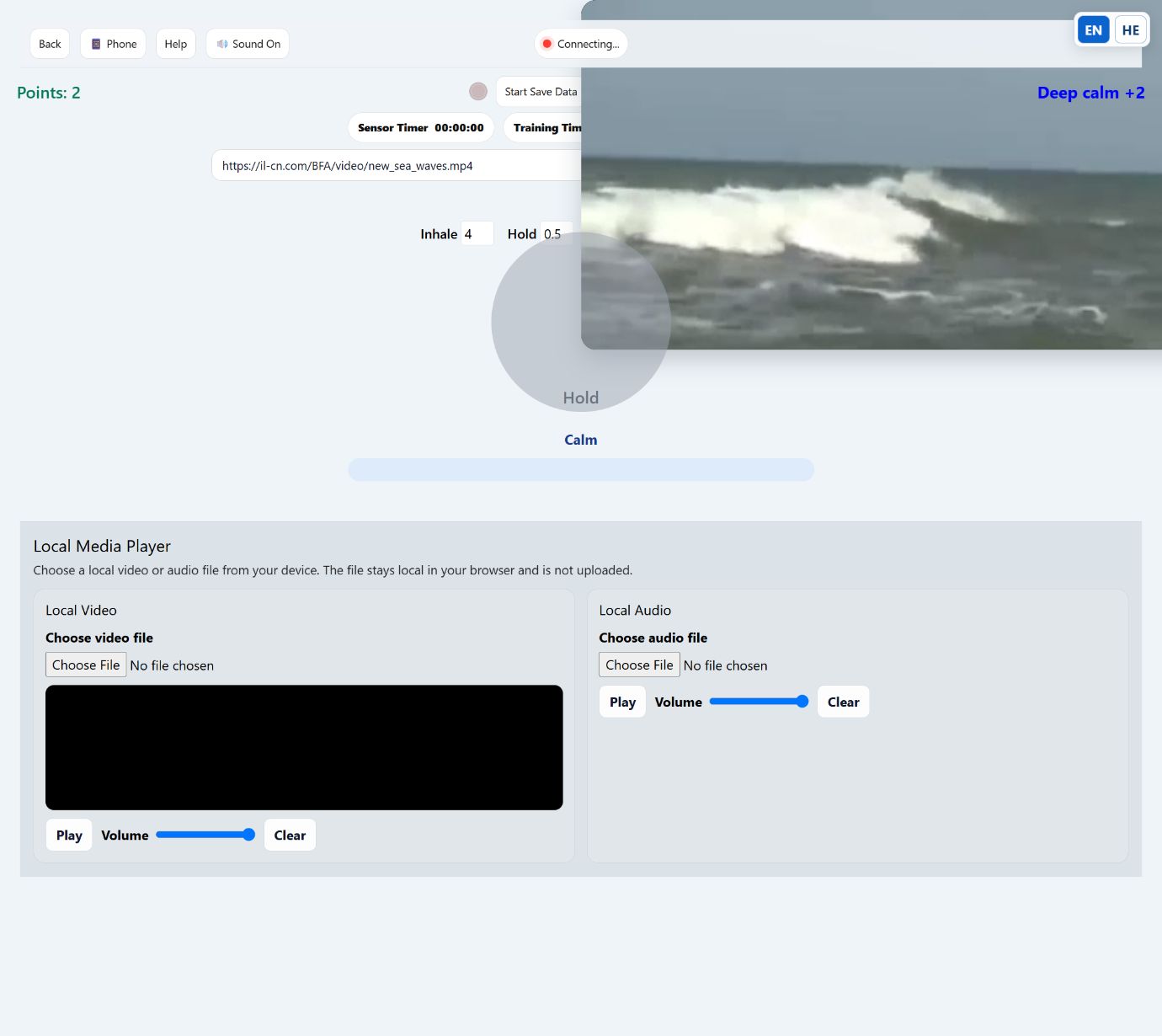
Start with words, even without previous programming experience. Describe your game or training screen to Claude Code or Codex, attach the BioSignals interface documentation, then build and test a small prototype.
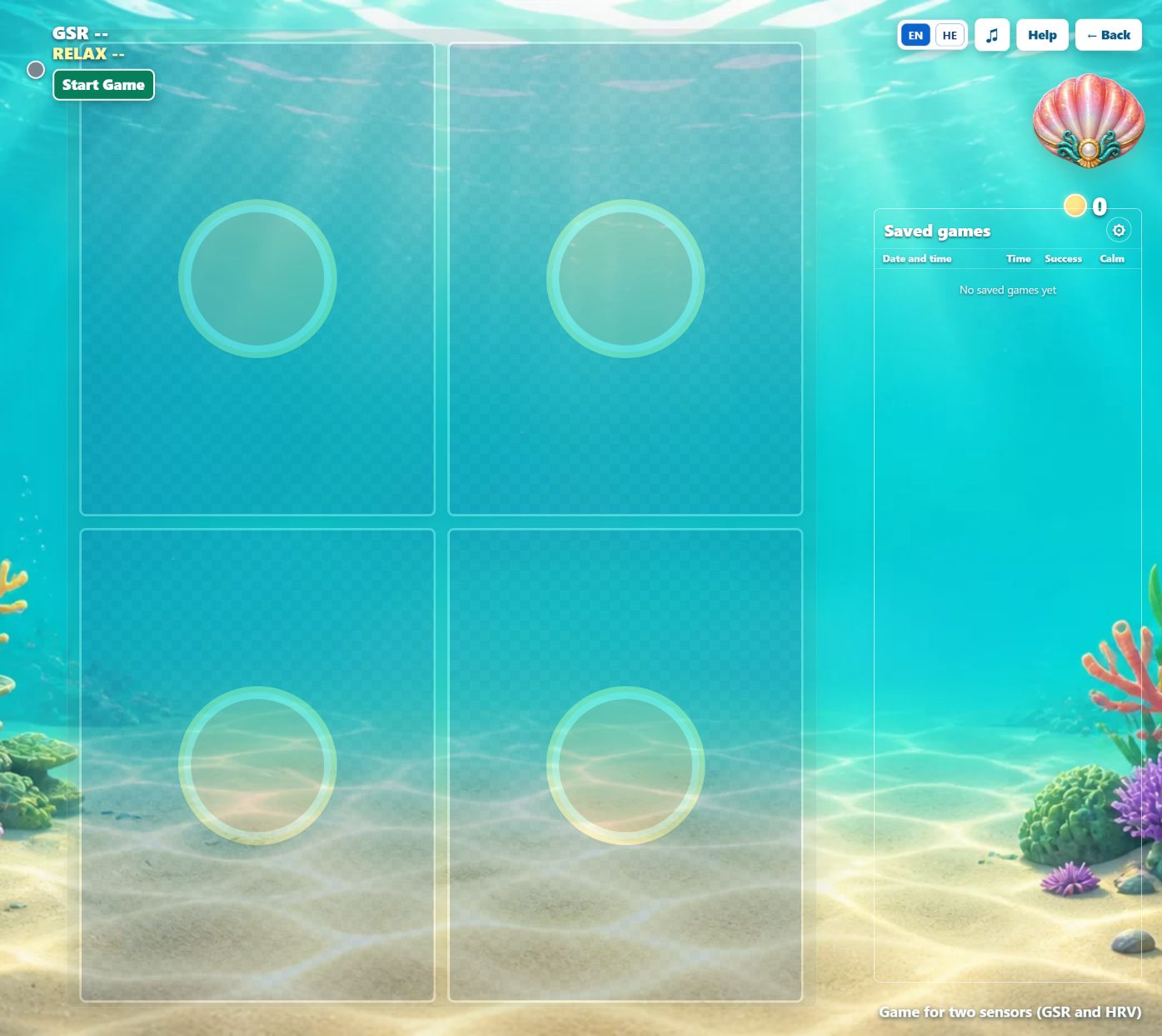
A tree that grows with feedback, a breathing scene or a game that reacts to a chosen signal: begin with one clear interaction.
Compatible BioSignals applications expose a local WebSocket interface. Use the documented version, supported fields and permissions; a cloud account is not a substitute for a local connection.
Use Demo Signals where supported, then verify the experience with actual hardware. AI-generated code still needs setup, testing and compatibility checks.
Local WebSocket: ws://localhost:8080. Exact endpoint, channels, camera-data access and platform restrictions depend on the app/version. Windows and Mac downloads require real compatible hardware; Demo Signals are described for supported mobile/Quest versions. Do not assume native Linux or full polygraph mobile support.
Selected customer organizations from our existing company material. Logos indicate sensor use, not endorsement of AI features or every product.























Choose biofeedback or polygraph first, then match the software to your device. A translated website does not mean every application supports all six interface languages.
Official desktop biofeedback software · ZIP installer
Get the softwareBS_Training desktop installer · PKG
Get the softwareOfficial Polygraph software download · ZIP
Get the softwareBioSignals Personal Trainer · App Store
Get the softwareBioSignals mobile app · Google Play
Get the softwareImmersive BioSignals application · Meta store
Get the softwareCheck operating-system requirements, compatible sensor, license and package contents before installation. Availability can vary by country. Mobile biofeedback apps are not presented as full desktop polygraph replacements. Cloud services and third-party AI subscriptions may have separate terms.
Technical details
Buy through our existing online stores. Prices, currencies, shipping, returns and availability are set by the selected store; compare the complete offer before ordering.
BIOSIGNALS.SHOP
Biofeedback and Lie Detector / Polygraph collections
Choose your systemEBAY
Active bio_signals store · BioSignals Products
Choose your systemAMAZON
Official BIOSIGNALS brand-store destination
Choose your systemBIO-SIGNALS.CO.IL
Hebrew store · biofeedback systems and accessories
Choose your systemA selected hardware and software configuration. Check its sensor list, license, computer requirements and shipping. A box-only offer does not include sensors.
Supported software observes facial movements with a standard computer webcam and permission. The available features and data interface vary by version.
Yes. Start from the developer documentation and a small AI-assisted prototype. Connecting hardware and checking the result are still necessary.
No. Select the device-specific application and verify the hardware connection. Windows, Mac, mobile and Quest downloads have distinct capabilities.
Tell us your intended use, existing sensors and computer or phone. We can help you identify a suitable complete configuration before you buy.