Describe your experience
A tree that grows with feedback, a breathing scene or a game that reacts to a chosen signal: begin with one clear interaction.
BIOSIGNALS
Start with words, even without previous programming experience. Describe your game or training screen to Claude Code or Codex, attach the BioSignals interface documentation, then build and test a small prototype.
A tree that grows with feedback, a breathing scene or a game that reacts to a chosen signal: begin with one clear interaction.
Compatible BioSignals applications expose a local WebSocket interface. Use the documented version, supported fields and permissions; a cloud account is not a substitute for a local connection.
Use Demo Signals where supported, then verify the experience with actual hardware. AI-generated code still needs setup, testing and compatibility checks.
Local WebSocket: ws://localhost:8080. Exact endpoint, channels, camera-data access and platform restrictions depend on the app/version. Windows and Mac downloads require real compatible hardware; Demo Signals are described for supported mobile/Quest versions. Do not assume native Linux or full polygraph mobile support.
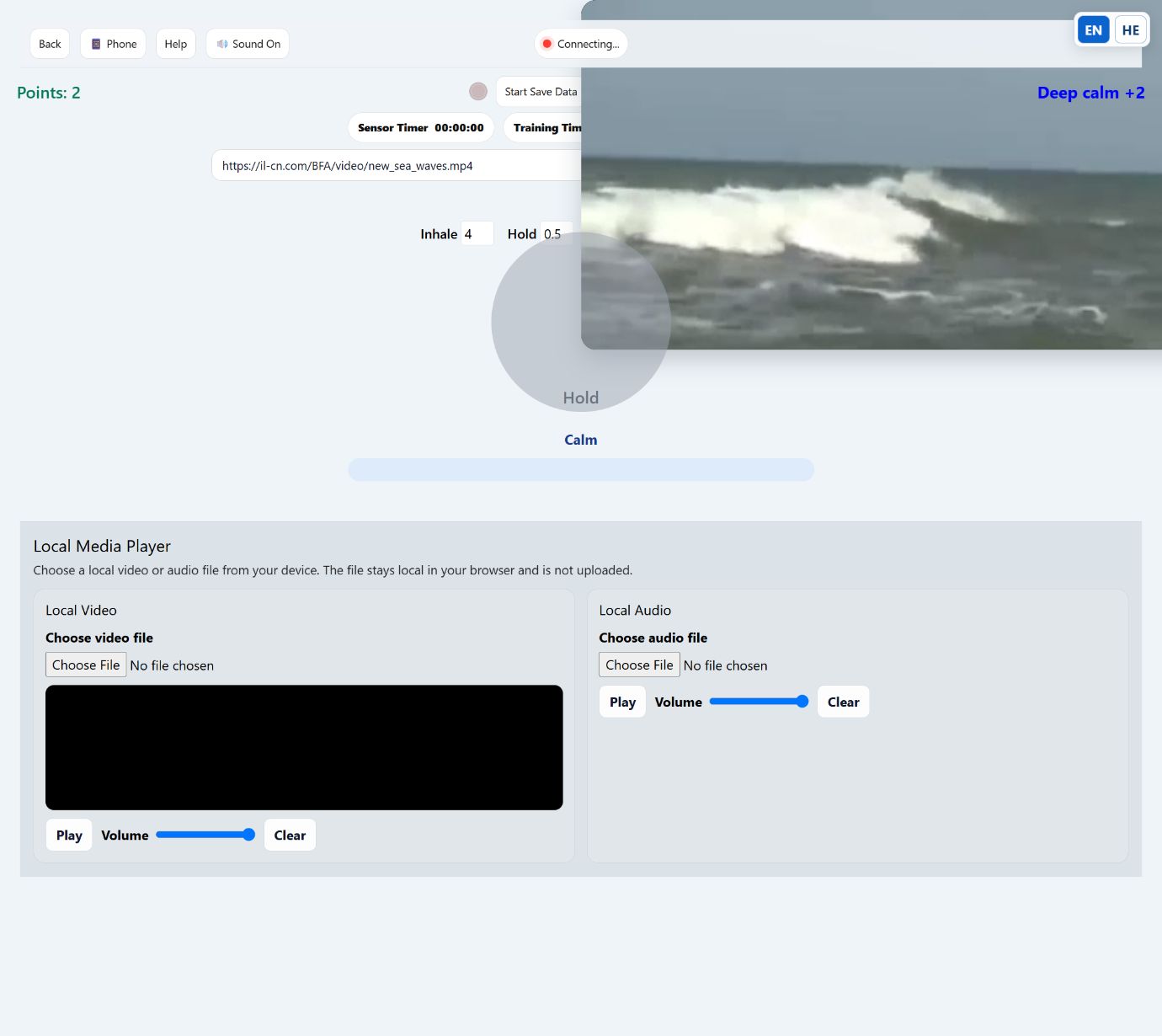
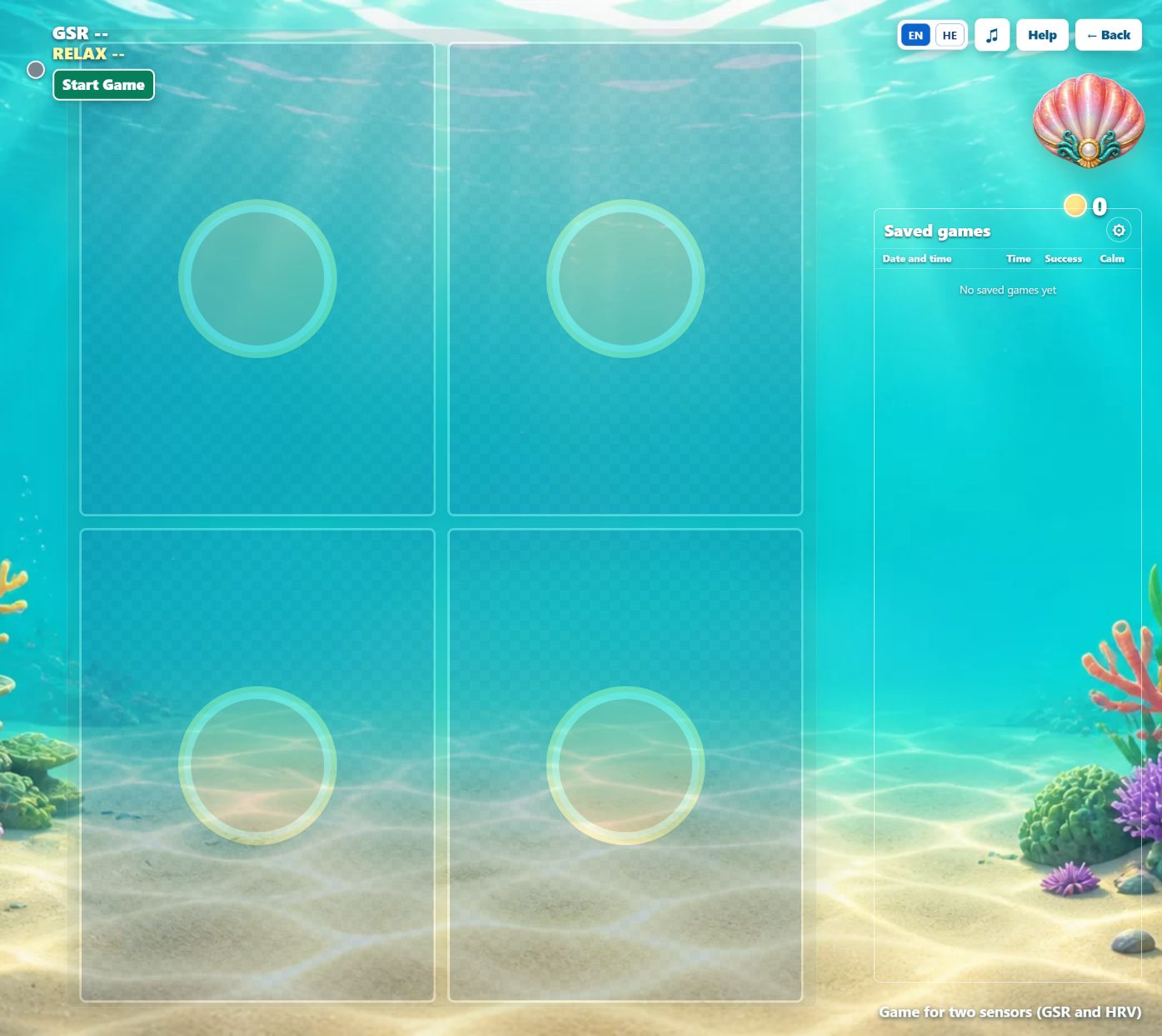
Technical library · English / Hebrew
A selected hardware and software configuration. Check its sensor list, license, computer requirements and shipping. A box-only offer does not include sensors.
Supported software observes facial movements with a standard computer webcam and permission. The available features and data interface vary by version.
Yes. Start from the developer documentation and a small AI-assisted prototype. Connecting hardware and checking the result are still necessary.
No. Select the device-specific application and verify the hardware connection. Windows, Mac, mobile and Quest downloads have distinct capabilities.
Tell us your intended use, existing sensors and computer or phone. We can help you identify a suitable complete configuration before you buy.